
Be your own wall art planner.
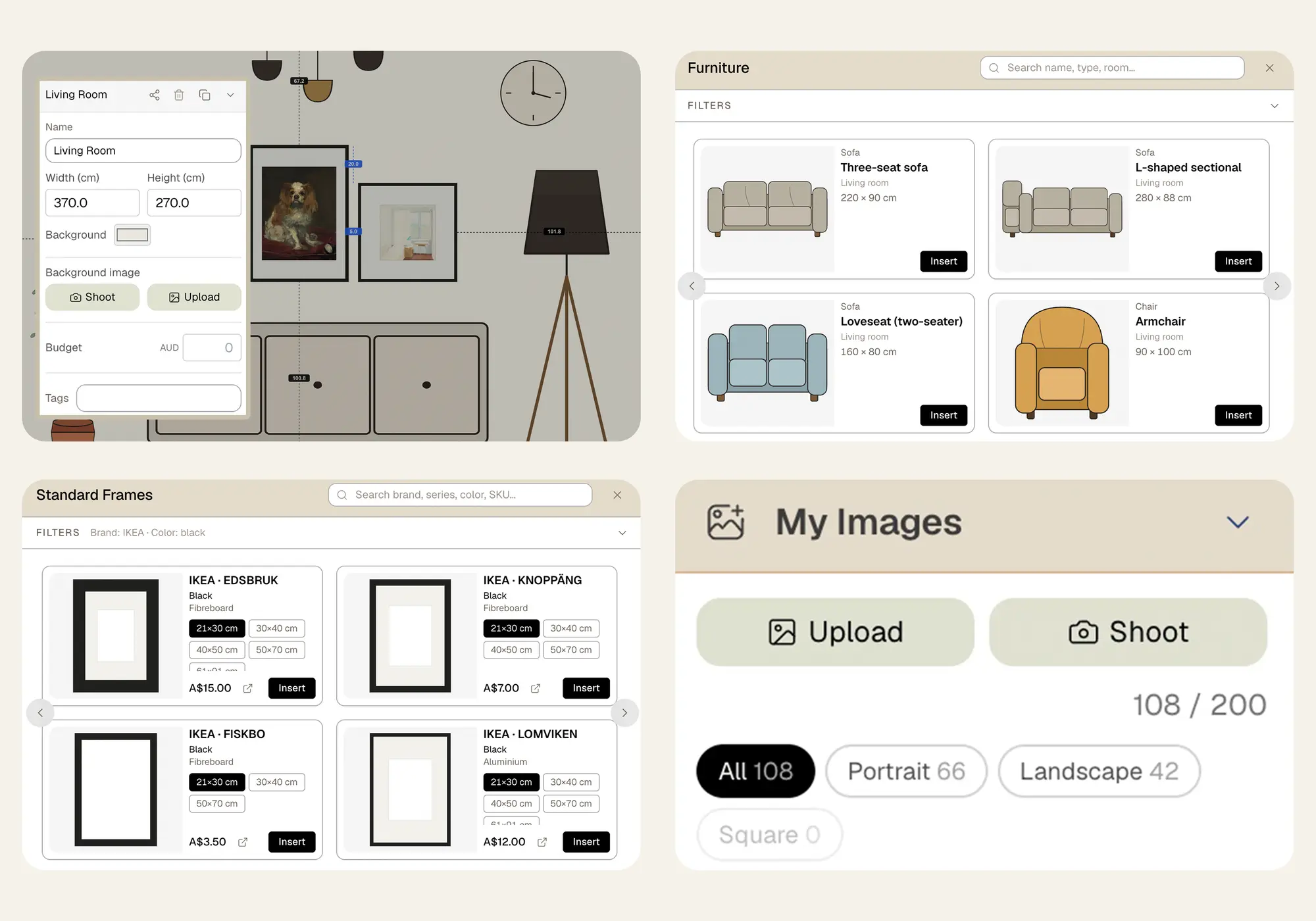
The toolkit a wall art planner needs — wall setup, IKEA frames, your image library, furniture, snapshots, sharing — and a canvas that thinks in real millimetres. Plan freely, design like a pro.
The Warmth That Turns a House into a Home
Hanging Things Isn't Hard. Planning Is
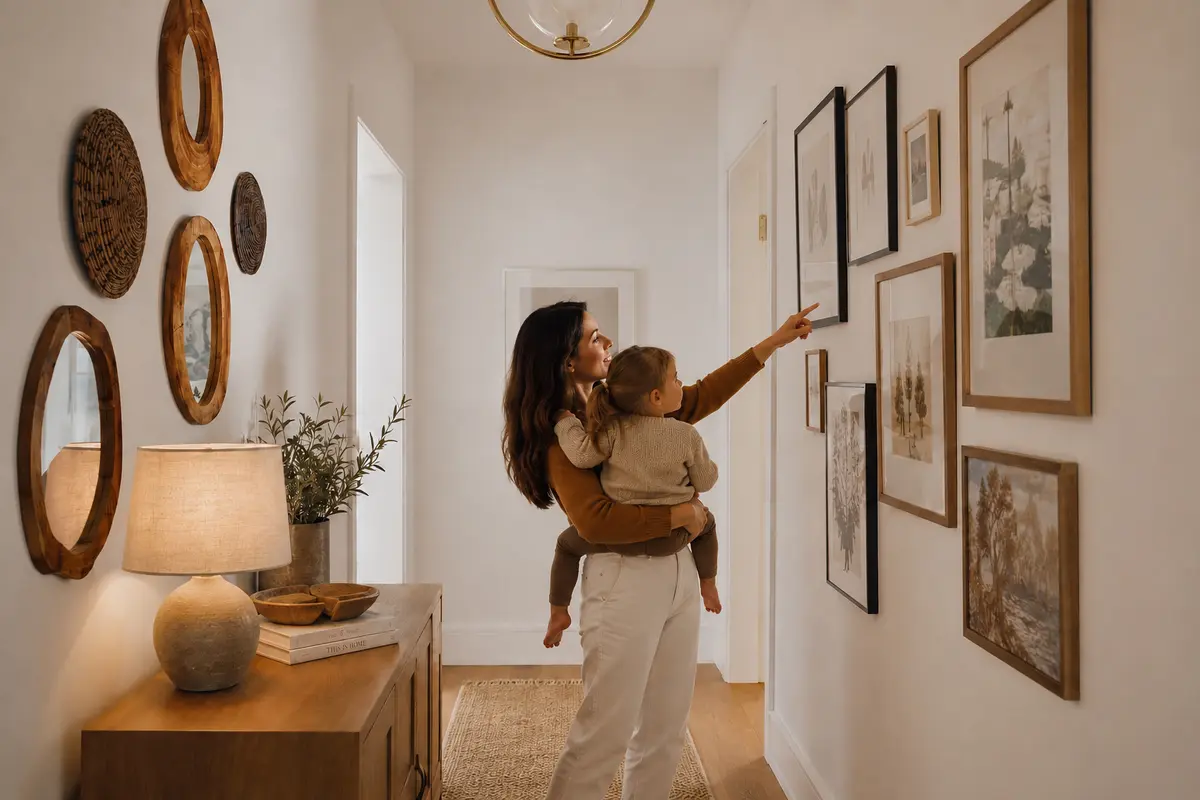
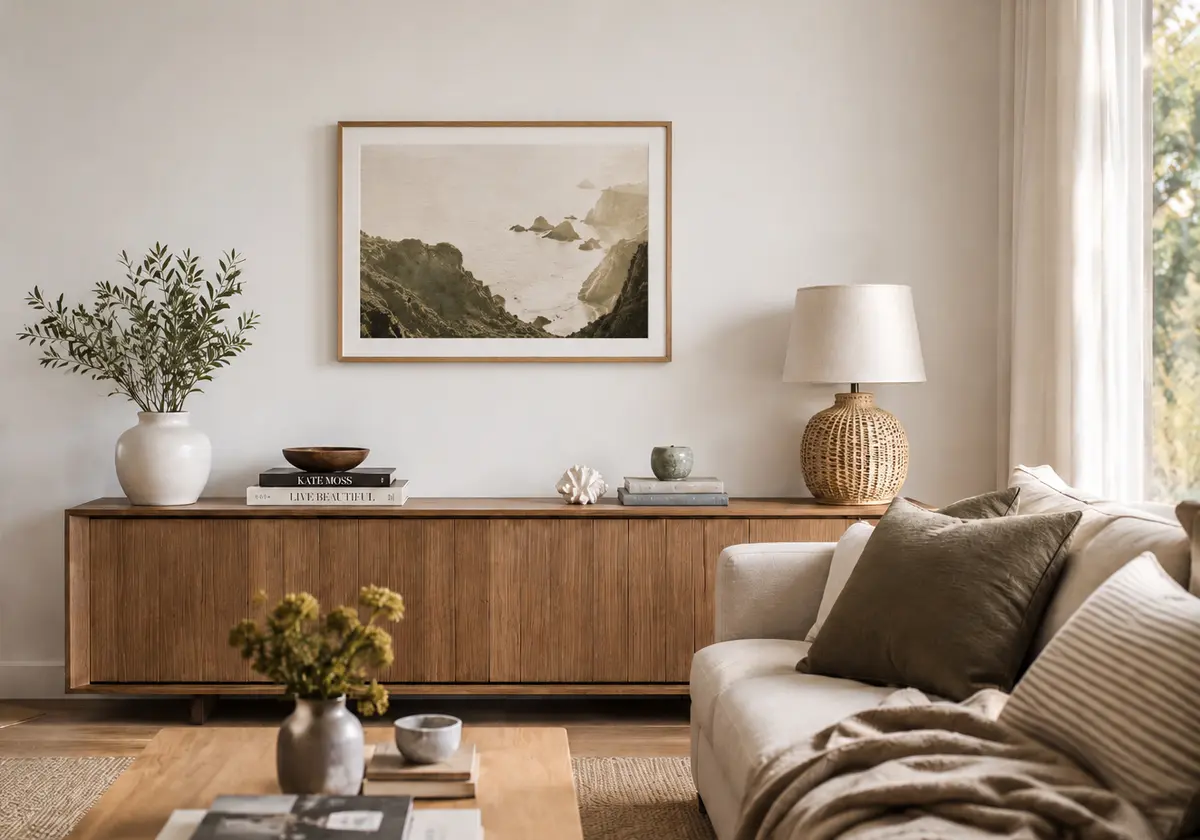
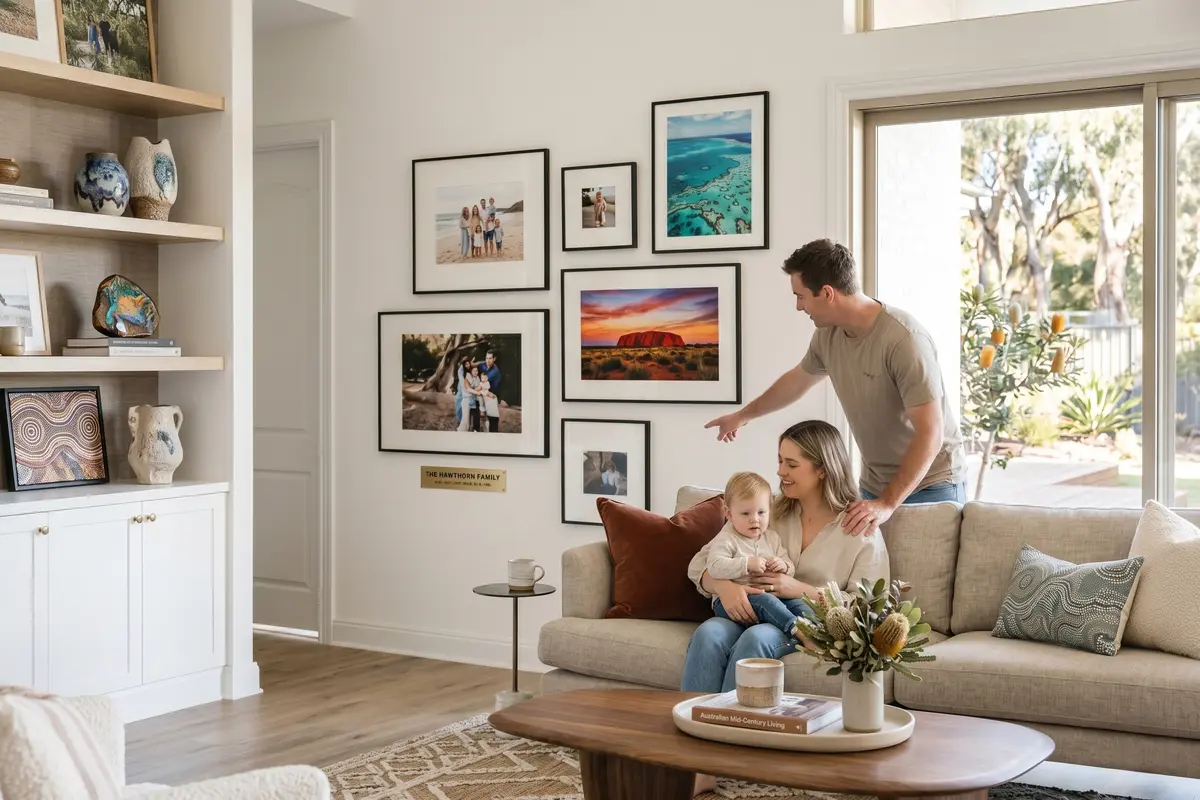
Wall art is the easiest, most personal home upgrade — and yet choosing it, arranging it, costing it, installing it are all genuinely hard.
"I don't know what size belongs on this wall."
50 × 70 too small? Too cramped? Two pieces or three? You browse Pinterest for an hour, buy something, and bring it back two weeks later — twice the shipping, half the confidence.
"Wall art designers are almost impossible to find."
Architects design buildings. Interior designers furnish rooms. But almost nobody specialises in planning walls. So you're on your own — and "just pick something" usually ends in mismatched frames and a "not quite right" arrangement.
"DIY hanging is mostly maths — and that's where it falls apart."
Hanging itself isn't hard. The maths is. Two centimetres off and you've got an unsightly hole to patch, paint, and explain. We just want a clean wall — not a side project in spackling.
"I want gallery walls all over the house — but I'm afraid of the cost."
Without a real budget you either overspend by accident or talk yourself out of it entirely. Neither outcome is the home you wanted.
"Hiring a professional hanger is overkill — and expensive."
$150 for two hours of work that's mostly measuring. We'd love to do this ourselves — it's not actually hard. The maths is the only scary part.
"I know it can look beautiful — but the whole thing feels too big."
Sizing → choosing art → costing it → installing it. Four jobs, and one wrong step ruins it. So we never start. The wall stays empty for another year.
Four Steps. A Few Hours. The Wall You Imagined
You're the designer. We do the maths, the measuring, and the print-ready install plan.
Real rooms. Real scale.
Drop in a photo of your actual wall. Use one known object — a 2 m sofa, a doorway — to set the scale. Every frame, every piece of furniture you drag in shows at true proportion. Nothing "looks bigger in the catalogue" any more.
Frame parameters that match what arrives.
Mat width, mat colour, mat offset, wood thickness, corner radius, hook position. Every dimension we render matches the real product in your hands.
Plan together. Edit live.
Send a link to your partner, your designer, your client. Two cursors, one wall. You move a frame — they see it instantly. Three rounds of "maybe smaller?" collapse into one call.
Live budget that becomes your shopping list.
Drop a frame, its real price snaps to the Budget panel. Grand total updates as you go. When you're done, the panel is a click-to-buy IKEA shopping list — no spreadsheet, no copy-paste.
Nail positions, calculated. To the millimetre.
Read the exact coordinates straight off the install image — every nail's distance to the wall edge, to the floor, to its neighbour. Or print a quick install template and tape it up. Either way, no calculator, no measuring-tape gymnastics. Precision becomes effortless. Hours saved. Wrong holes avoided.
You're the designer. We make sure it lands.
From wall sizing to frame mix to budget control to install — you call every shot. We make sure every shot lands. By the end, your house looks the way you imagined it, and you're the one who pulled it off.
HangPlanner Makes Precision Effortless.
You Make the Space Magical.
Open the editor. No signup. No payment. Plan a wall to the millimetre in the next 30 seconds.
Let's start →